
What you eat
A food, a portion, a meal. Your diary adds up the calories, protein, fat, and carbohydrates for the day.
Coffee and a pastry, lunch at your desk, a late dinner. When life gets busy, it is easy to lose track of what and how much we eat. NutriEase brings those meals into a diary so you can follow your eating patterns alongside changes in weight.
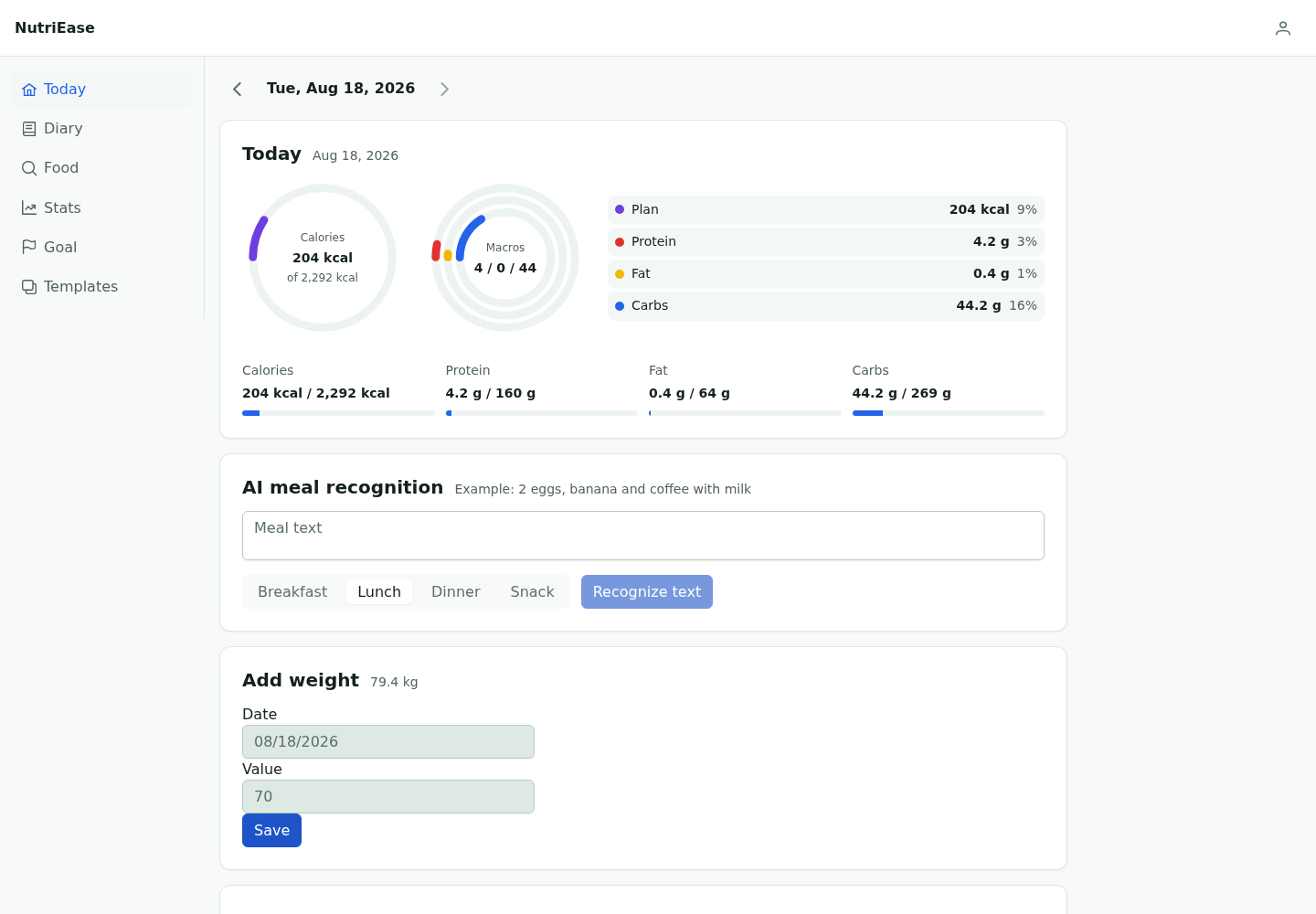
What was for breakfast? How much did you eat today? How has your weight changed this month? Keeping the records together makes these questions easier to answer.
A food, a portion, a meal. Your diary adds up the calories, protein, fat, and carbohydrates for the day.
The app calculates a daily target from your profile and activity. You can update it when your plans change.
Keep weight and waist measurements alongside your meals. Compare individual days or look at changes over a longer period.
Enter your current weight, activity, and target weight. These details are used to calculate calories and macros.
Build your food diary from catalog foods or your own entries.
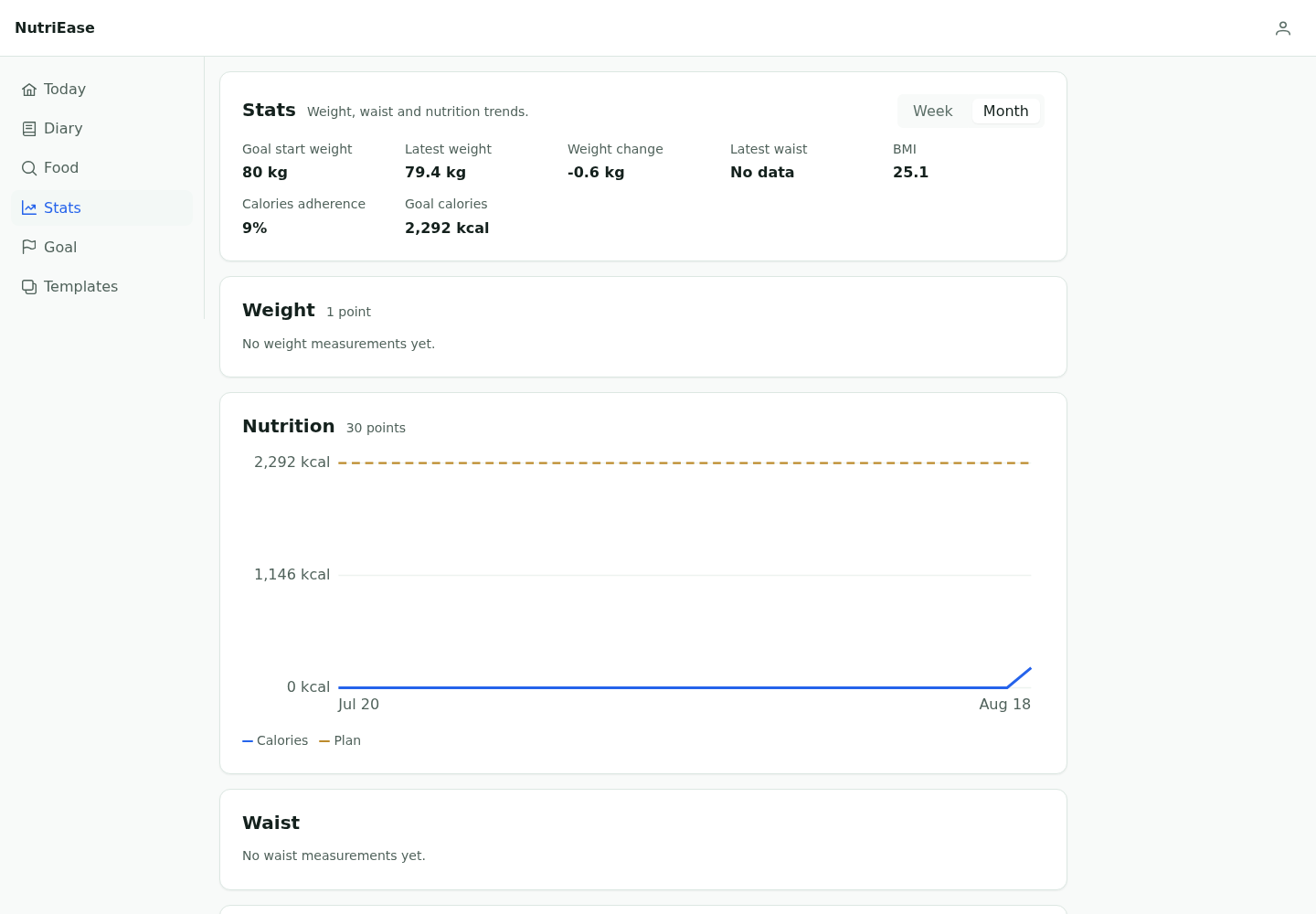
Compare calories, macros, weight, and waist measurements over time.
The diary keeps the details of each day. Measurements and charts show what happens over weeks and months.
A snack on the way home counts too. Add foods by meal and see the daily calories and macros on one screen.
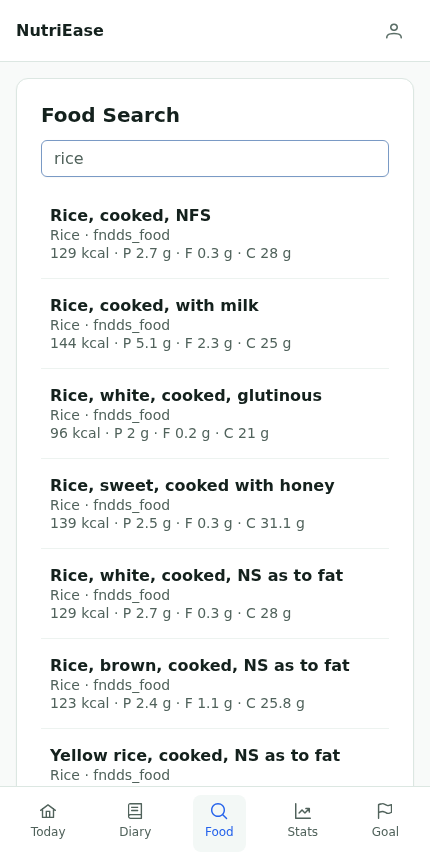
Find a food in the catalog and enter your portion. If it is missing, add your own.
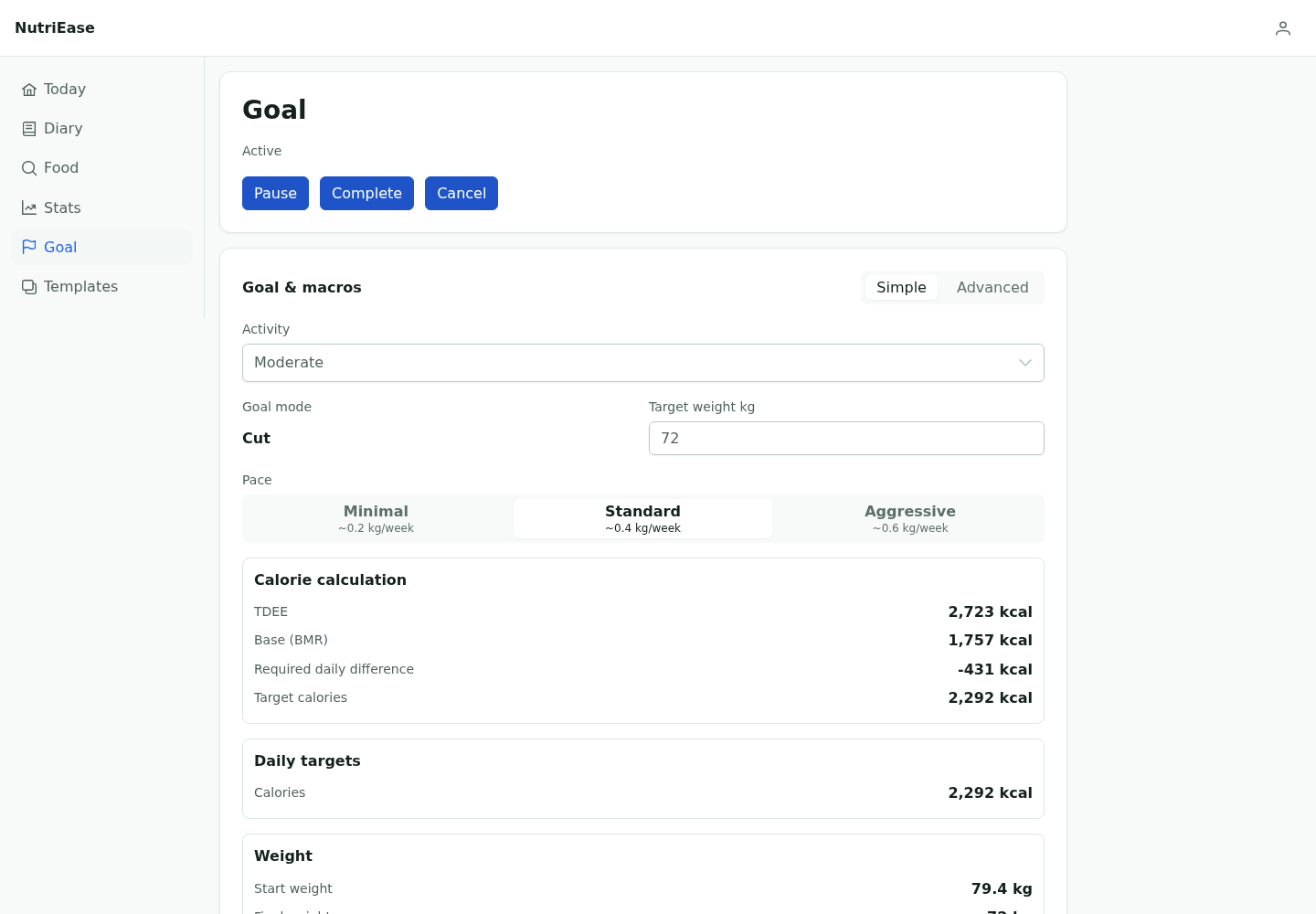
Choose a target weight and pace. Review the calorie and macro calculation, then update your plan when your activity or goal changes.
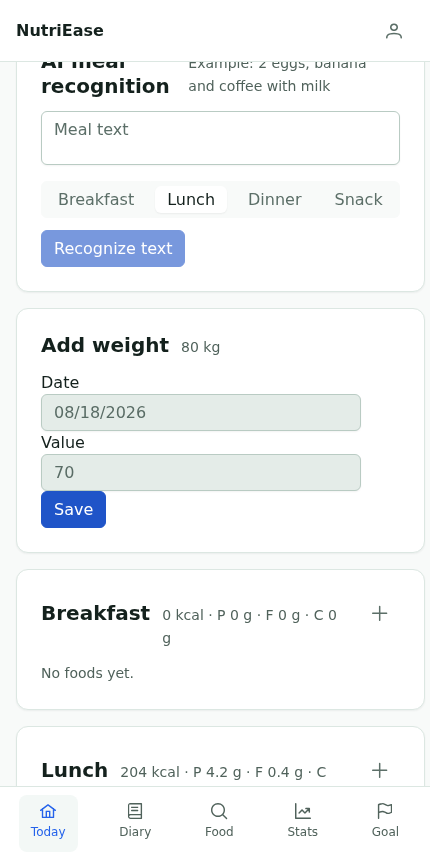
Save your weight and waist measurements with a date. Earlier entries stay available for comparison.
Look at food records and weight over several weeks. A chart can reveal a pattern that a single entry cannot.
A calorie tracker is a food diary that estimates energy and nutrients from the foods and portions you record.
NutriEase uses your profile, activity, current weight, target, and chosen pace to create an editable daily plan.
Yes. You can choose food portions and create your own food entries when the catalog does not have what you need.
Yes. NutriEase brings weight and waist measurements together with nutrition statistics and progress charts.
Yes. The responsive web app works on phones and can be installed from supported Android and iOS browsers.
No. NutriEase is a self-tracking tool and does not replace advice from a doctor or registered nutrition professional.
Record your first meal. That is where your diary begins.